Overview
This is a sample documentation page. It shows how authors present install steps, config notes and troubleshooting on CommunityM.
Nothing here is a real FiveM script. Use it as a layout reference when you write docs for your own resource.
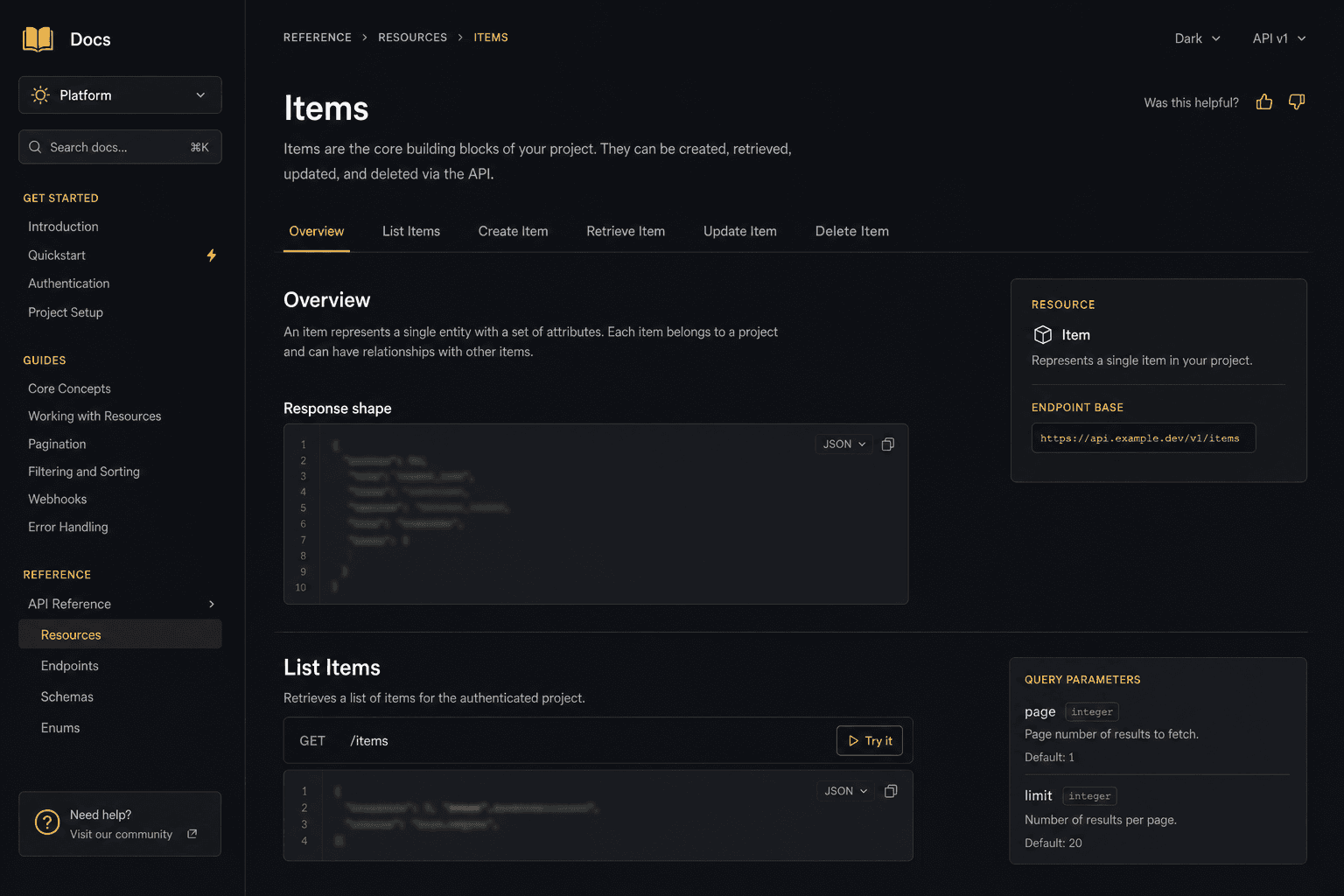
Fictional guide for a generic job script — shows the Documentation tab layout authors use on real listings.
This is a sample documentation page. It shows how authors present install steps, config notes and troubleshooting on CommunityM.
Nothing here is a real FiveM script. Use it as a layout reference when you write docs for your own resource.
ox_lib (latest)ox_target for interaction prompts1. Download the resource archive from the release page (GitHub for free, Tebex for paid).
2. Extract into your resources folder.
3. Add the dependency and resource to server.cfg:
ensure ox_lib
ensure sample_job
4. Restart the server (or ensure sample_job live).
5. Check the console for [sample_job] ready.
Open config.lua and set the basics:
Config.Framework = 'auto' -- esx | qb | qbox | auto
Config.Locale = 'en'
Config.Debug = false
Tip: keep secrets (API keys, webhooks) in server-only files. Never paste them into client scripts or public docs.
/sample_job — open the sample job menu (ACE: sample.use)/sample_duty — toggle duty state/sample_debug — print framework detection (admin only)Menu does not open
- Confirm ox_lib started before this resource
- Check ACE permissions for the player
Wrong framework detected
- Set Config.Framework explicitly instead of auto
- Restart after changing config.lua
Still stuck? Open an issue on the resource page — that is where support lives on CommunityM.